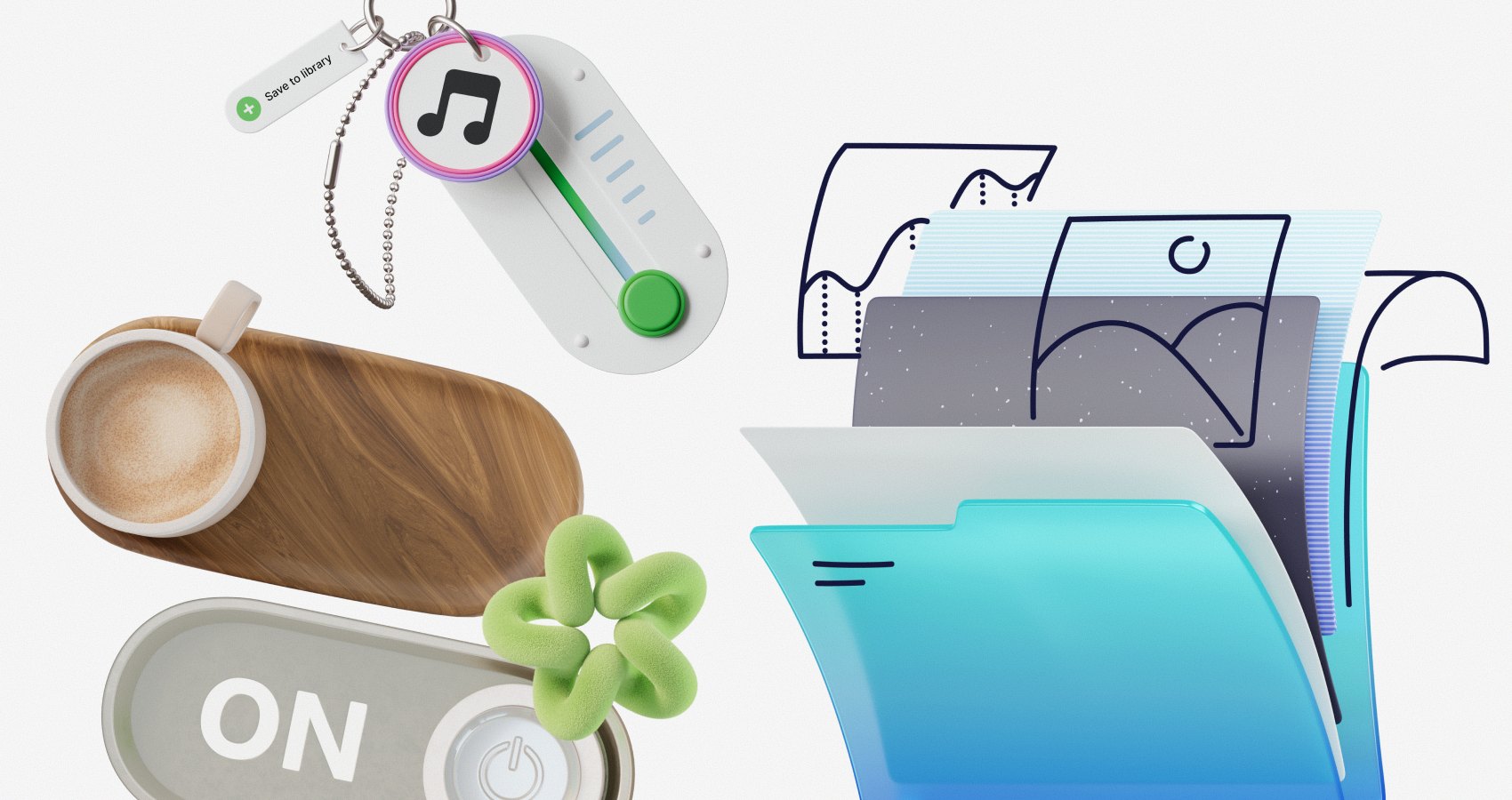
Can an off-the-shelf illustration library hold a cohesive brand together on a freelance budget? A hands-on look at Icons8's Ouch library, its workflow, alternatives and limits.
Handling small business clients means navigating a predictable loop around visual assets. You confidently pitch a premium, cohesive brand system. Then they inevitably spot the line item for custom illustration work. Suddenly, they ask about cheap stock photos.
Custom artwork remains the absolute dream for most design professionals. Unique identity is guaranteed. Strict budgets often dictate another path entirely. We constantly question whether off-the-shelf libraries can actually support a unified brand language without compromises. Nobody wants a patched-together collage of mismatched clip art. Over the past few months, I tested Ouch. Icons8 created this illustration library. My main goal was figuring out if pre-packaged graphics could actually fill the gap for tight-budget projects.
The Tuesday Afternoon Asset Scramble
Tuesday afternoon hit hard. My Friday deadline for a local coffee roaster's wholesale portal loomed closer by the hour. Julian, the founder, requested a welcoming aesthetic to offset the boring reality of ordering bulk supplies. My Figma file had typography and color palettes totally locked in. Gray boxes simply sat waiting for visual life.
Hiring an illustrator for five custom scenes wasn't a realistic option. Doing so would obliterate the entire project margin immediately. Instead, I opened Pichon. Icons8 offers this desktop app to sync their entire library directly to your machine. Searching the interface, I filtered for a minimal monochrome style. Brutalist typography requires a specific sketchy look, and Julian loved that exact vibe.
Twenty minutes later, everything finally clicked.
Layered vectors dropped right onto my canvas. I quickly populated the homepage hero banner, an add-to-cart flow, and a mandatory 404 error page. Every graphic came from a single set drawn by the exact same artists. That made the brand look incredibly intentional.
Crafting an End to End User Flow
User onboarding sequences require strict visual rules across every single screen. Line weight, color application, and perspective must match perfectly everywhere. My process starts by identifying one specific style out of 101 available options. Searching for random keywords rarely works well. Let's pretend a tech startup client requests a surreal, bold look for their new SaaS product.
First, I hunt through tags. Layered vector graphics break down into searchable objects rather than flat, locked scenes. Base scenes act as great starting points. Before downloading anything, I bring the graphic into Mega Creator. Icons8 built this free online editor for making quick adjustments right in your browser window.
Here is my actual workflow for ensuring strict brand consistency. Recoloring specific parts happens first. Matching the client's brand hex codes perfectly builds immediate trust. Next, background elements get swapped out for different shapes found within that same style family. Stock images feel painfully generic, but tailored scenes look specific to the client's software platform.
Exporting the tailored graphic as an SVG happens next. Paid plans make true vector manipulation possible. Fully customized assets sit ready for the development handoff. Your login screen suddenly matches the checkout page aesthetic exactly.
Sourcing Trend Driven Animated Components
Standard flat vectors aren't always enough. High-impact landing pages demand serious attention from visitors. 44 different 3D styles crafted by professionals live within the Ouch ecosystem. Various animation formats also exist there. Maintaining site performance while using these heavy visual formats requires a slightly different approach.
One education tech client needed dynamic visuals for a promotional site. Navigating the library specifically for 3D objects proved absolutely essential. Finding high-quality free vector illustrations feels easy enough. Sourcing good 3D assets usually means fighting complex rendering engines. Luckily, I located a perfectly consistent set of 3D education icons.
Downloading the files in FBX format gave me full control. Fully modeled objects let me adjust the lighting inside a separate 3D workspace. Shadows matched the website background flawlessly.
Animated hero sections need smooth performance above all else. Lottie JSON files answered that call beautifully. Handing that data directly to the development team let them implement crisp, scalable animations easily.
Heavy video files would have tanked the page load speeds.
Premium interfaces don't always take weeks to build. We finished this one in mere hours.
Evaluating the Alternatives
Competitors pack the off-the-shelf visual asset market right now. Comparing options reveals distinct trade-offs for working freelance designers.
Freepik offers sheer volume. Millions of graphics cover any conceivable topic. Assembling a cohesive set for an entire user experience flow proves incredibly difficult. Landing pages end up looking totally disconnected from checkout screens. Multiple artists drawing different assets creates visual chaos. Ouch solves that problem by organizing heavily around consistent UX coverage.
Startups with zero budget often grab unDraw. Instant color customization costs absolutely nothing. Saturation remains the fundamental problem there. Those illustrations are so ubiquitous across the internet today. Seeing them instantly signals a low-budget template. Ouch avoids that trap completely. Niche styles range from simple line graphics to colorfully bold 3D scenes.
Fully custom illustration remains the absolute gold standard. Dedicated illustrators create visual metaphors specific to a client's niche. No library can match that bespoke magic. Still, Ouch serves as a highly capable bridge. Tight budgets simply can't stretch to custom artwork every time.
Boundaries of Pre Packaged Visuals
Relying on any library comes with hard limits. Every designer must acknowledge them openly. Broad categories like business, technology, healthcare, and education get excellent coverage. Hyper-specific industries present a much tougher challenge. Finding suitable visual metaphors becomes a deeply frustrating exercise. Generic technology scenes are everywhere. Specialized industrial pipeline diagnostic software illustrations simply don't exist in stock catalogs.
Animations create another workflow bottleneck. Lottie JSON, Rive, and After Effects project files exist in the catalog. Editing these animations requires specialized software knowledge. Pre-rendered GIF files rarely match exact pacing needs perfectly. Knowing your way around keyframes becomes mandatory.
Free tiers severely limit professional applications. Linking back to Icons8 is required. PNG formats restrict your flexibility significantly. Serious client work requires resolution independence and easy color modification. SVG formats locked behind the paid pro upgrade are strictly necessary.
Field Notes for Better Integration
Working with library assets requires specific habits. Prevent your final designs from looking cheap or disconnected.
- Stick strictly to one style per project. Mixing flat monochrome vectors with colorful 3D objects shatters the illusion. Cohesive brand systems demand strict rules.
- Always use the SVG format. Modifying anchor points changes everything. Removing unnecessary background clutter makes a stock asset feel custom-built for your specific layout.
- Install the Pichon desktop app. Dragging vectors directly into your design tool saves massive amounts of time. Browser toggling kills productivity.
- Roll over your downloads strategically. Paid plans let unused downloads carry over to the next period. Bank them during slow freelance months. Heavier project loads become much easier to manage later.

Rajat Garg
Rajat is a digital marketing specialist with more than 8 years of experience. At SocialAppsHQ he manages social media campaigns for businesses worldwide and shares practical, tested marketing guidance through the blog.